Four steps: get photos in, describe them, save a display, paste the shortcode. About five minutes for a small batch.
The whole workflow. Everything else in these docs is a detail of one of these four steps.
1. Upload some photos
Go to JMGallery › Upload and drag a folder of photos onto the drop zone.
They upload two at a time with progress bars.
Before you drag anything in, fill the panel on the right with whatever these photos have in
common — the album name, the year, the place. Every photo in the batch is saved with those
values, so a hundred photos from one trip get described once instead of a hundred times.
Photos already in your Media Library can be pulled in from the picker further down the same
screen. More in Adding photos.
2. Check your fields
JMGallery › Fields is where you decide what a photo record holds. Six
fields are set up for you. Rename them, reorder them, delete the ones that do not fit your
collection, add your own.
For each field you choose four things: whether it shows as a column in the library, whether it
becomes a filter, whether it appears on the item page, and whether it can go in a caption.
More in Custom fields.
3. Build a display
A display is a saved answer to two questions: which items, and what they look
like. Go to JMGallery › Displays and click + New
display.
Under Which items, filter on any field. Leave everything blank to show the
whole library.
Under Layout, pick grid, masonry or list, then columns, spacing and corner
radius.
Under Captions, tick the fields you want under or over each photo.
Click Preview to see it, then Save display.
4. Put it on a page
Saving gives the display a shortcode. Copy it and paste it into any page, post, or widget:
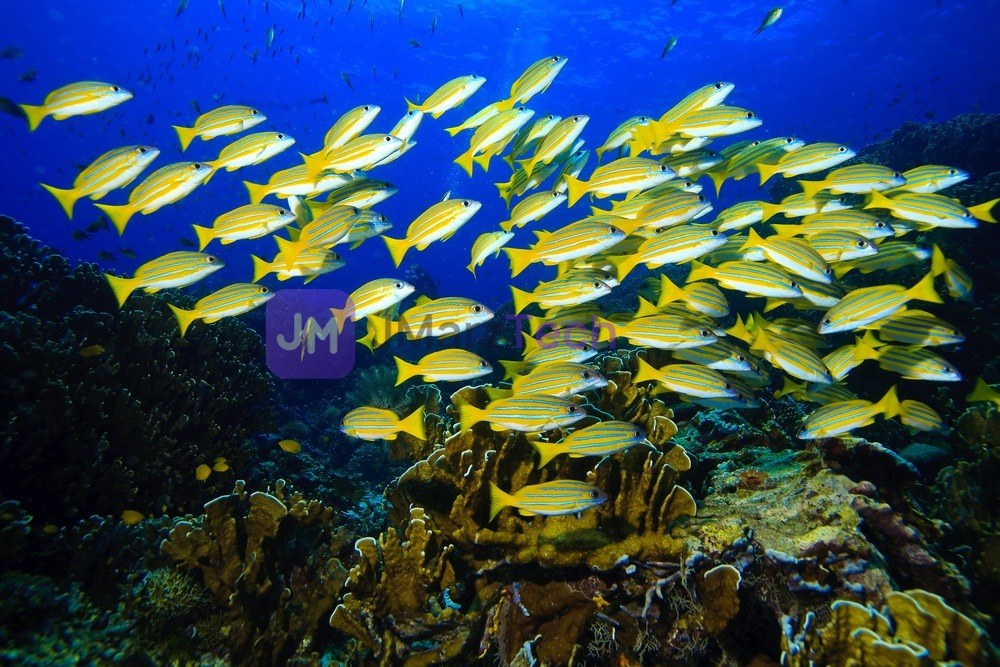
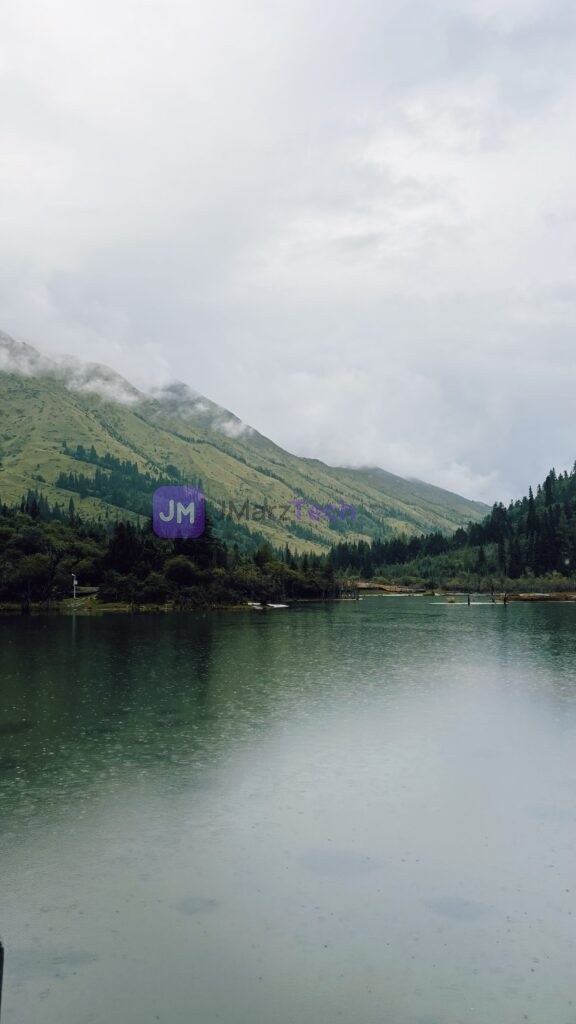
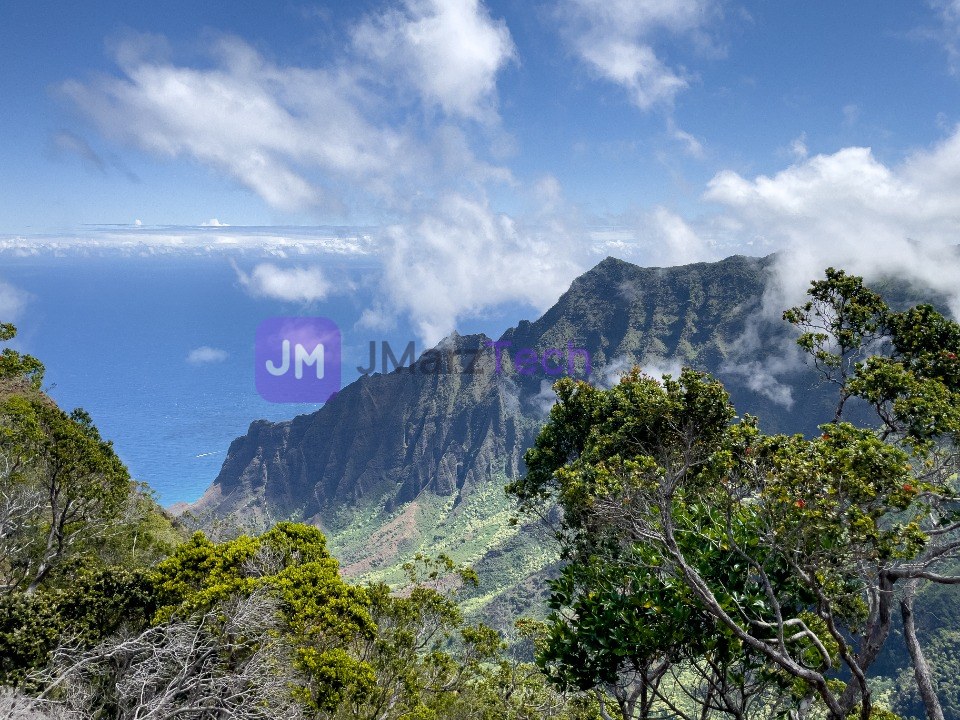
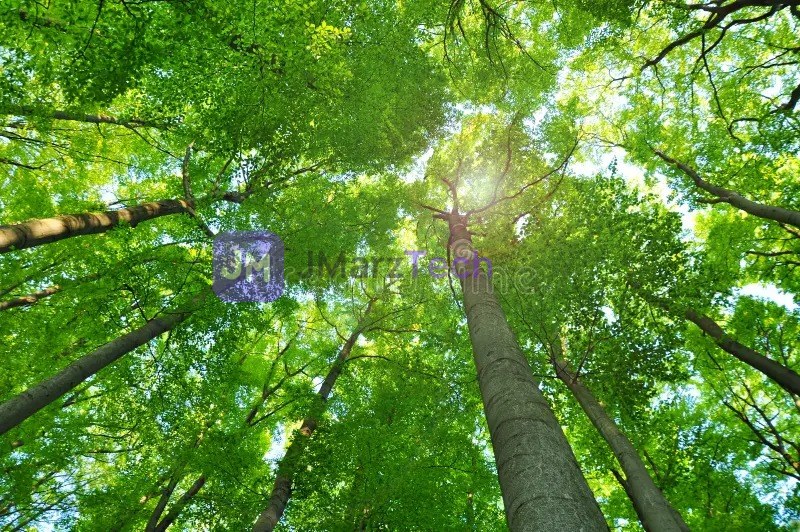
Girl sitting on office building stepPeople / May 3, 2025 / Photo / $0.99Man sitting on city stepPeople / January 3, 2026 / Photo / $1.99Man looking at sunsetPeople / May 15, 2026 / PhotoWoman carrying kid on her back, both laughingPeople / December 3, 2025 / PhotoWoman high fiving a little girl at a sporting eventPeople / December 3, 2025 / PhotoWoman with cameraPeople / December 3, 2025 / PhotoMan and Woman on a mountain topPeople / December 3, 2025 / PhotoWoman doing square finger gesturePeople / December 3, 2025 / PhotoMan in shirt and tie giving a thumbs upPeople / December 3, 2025 / PhotoWoman runningPeople / December 3, 2025 / PhotoMan balance on a ropePeople / March 15, 2026 / IllustratedWoman smilingPeople / March 15, 2026 / IllustratedAfrican American family cooking a mealPeople / March 15, 2026 / IllustratedGreen ForestNature / March 5, 2026 / PhotoSchool of FishNature / March 5, 2026 / PhotoSun beaming through forest canopyNature / March 5, 2026 / PhotoMountain LakeNature / March 5, 2026 / PhotoMountain view with cloudsNature / March 5, 2026 / PhotoSun beaming through green forest canopyNature / March 5, 2026 / PhotoField with mountain backdropNature / March 5, 2026 / Field, Mountains, PhotoSunset reflecting off lakeNature / March 5, 2026 / PhotoSun over forest and mountain rangeNature / March 1, 2026 / IllustratedA large tree with autumn leaves in a forestNature / March 1, 2026 / IllustratedSunset Lake Island ReflectionNature / March 1, 2026 / Illustrated
That is the gallery live. You can override any layout setting for one page without touching the
saved display:
Image Galleries That Load FastCustom Fields for Everyday SitesElementor vs the Block Editorelementor-vs-the-block-editor-demo.webpBuilding Post Grids Without CodeBackups You Will Actually RestoreSpeeding Up a Slow WordPress SiteChoosing a Theme That Grows With You