JMLayouts → Library lists your posts and pages as a spreadsheet: one row per item, one column per category, tag and custom field.
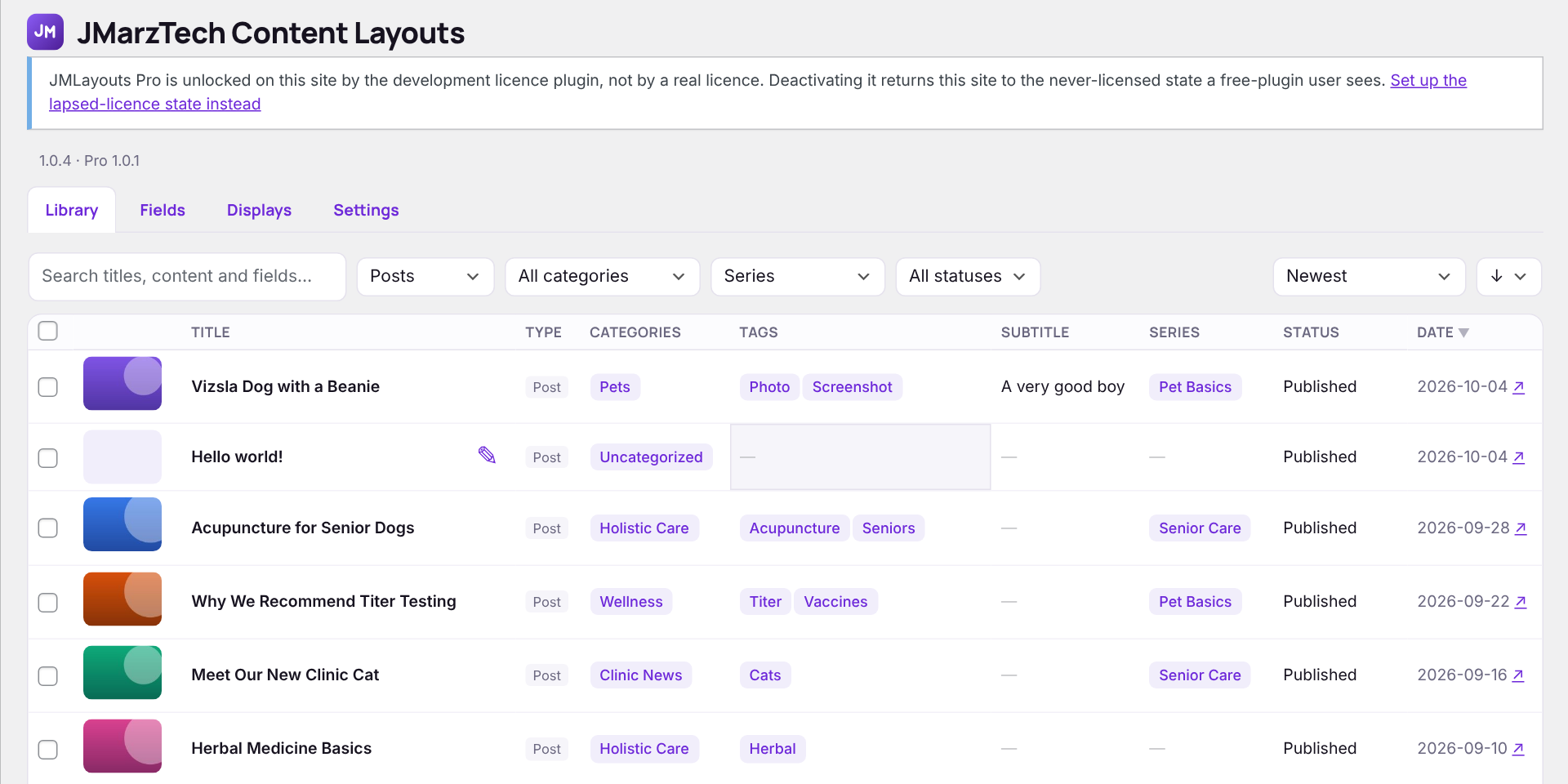
Finding items
Search titles, content and fields; filter by content type, category, any filterable field and status; sort by newest, recently updated, title or a sortable field. Choose 25 to 200 items per page at the bottom.
Editing in place
- Click a title, category, tag, field or status cell to edit it.
- Press Enter to save, Esc to cancel, Tab to save and move to the next cell.
- Categories and tags take comma-separated names; new tags are created as needed, new categories only for people allowed to manage categories.
- The pencil beside a title opens the full editor; ↗ beside the date opens the live page.
Bulk editing
Tick the boxes on any number of rows (the box in the header ticks the whole page) and the bulk editor opens above the table. Fill in only what should change — blank boxes are left alone.

- Status — publish, draft, pending review or private.
- Categories, Tags and tags fields — choose Add, Replace or Remove, so you can add a tag to fifty posts without touching their other tags.
- Other fields — set the same value on every selected item. A field only changes on content types it belongs to.
- Move to Trash — recoverable from Posts → Trash.