Besides displays, Content Layouts can draw the single page for a post or page — between your theme’s header and footer, with a breadcrumb, title, byline, image, content, tags, your fields, an author box, previous/next links, related posts and comments.
Good to know: Single layouts are off until you switch them on. When on, they replace your theme’s single template — or an Elementor Theme Builder single template — for the posts they apply to.
Switching them on
- Go to JMLayouts → Settings.
- Under Single post and page layouts, tick Use a layout for every post (and/or every page).
- Click the layout you want, then Save settings.
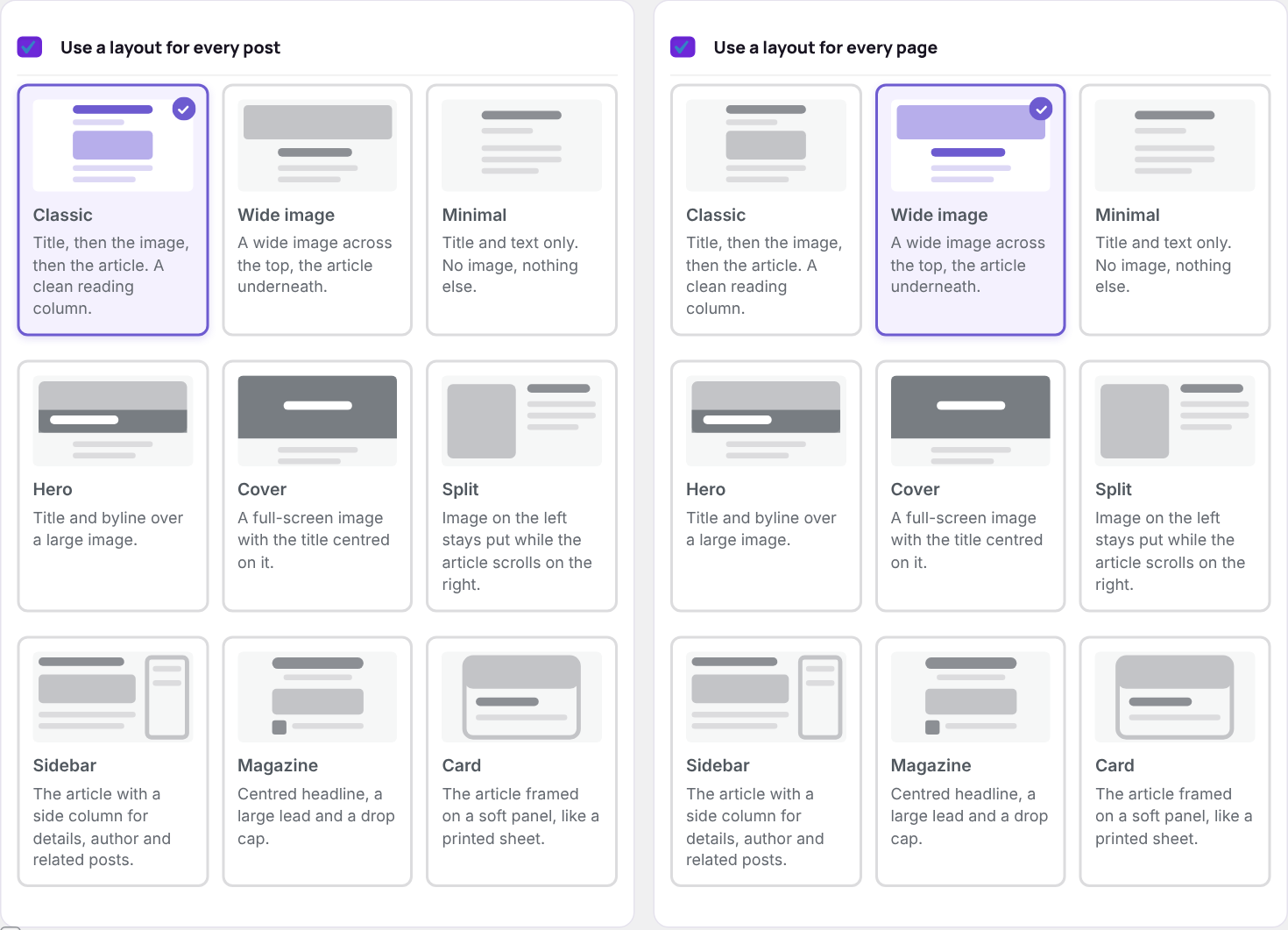
The layouts
| Layout | Edition | Description |
|---|---|---|
| Classic | Free | Title, then the image, then the article. A clean reading column. |
| Wide image | Free | A wide image across the top, the article underneath. |
| Minimal | Free | Title and text only. |
| Hero | Pro | Title and byline over a large image. |
| Cover | Pro | A full-screen image with the title centred on it. |
| Split | Pro | The image stays put on the left while the article scrolls on the right. |
| Sidebar | Pro | The article with a side column for details, author and related posts. |
| Magazine | Pro | Centred headline, a large lead paragraph and a drop cap. |
| Card | Pro | The article framed on a soft panel, like a printed sheet. |
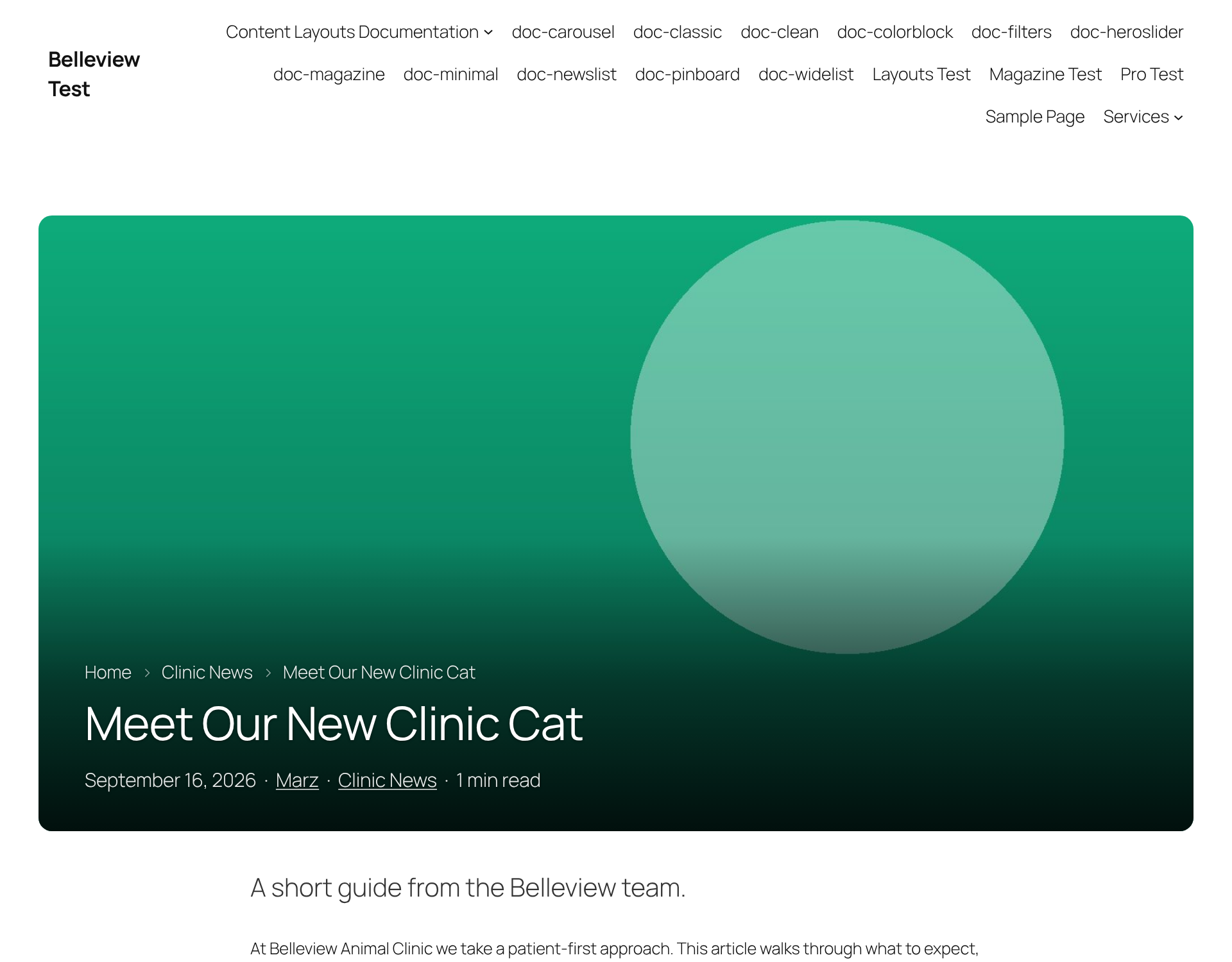
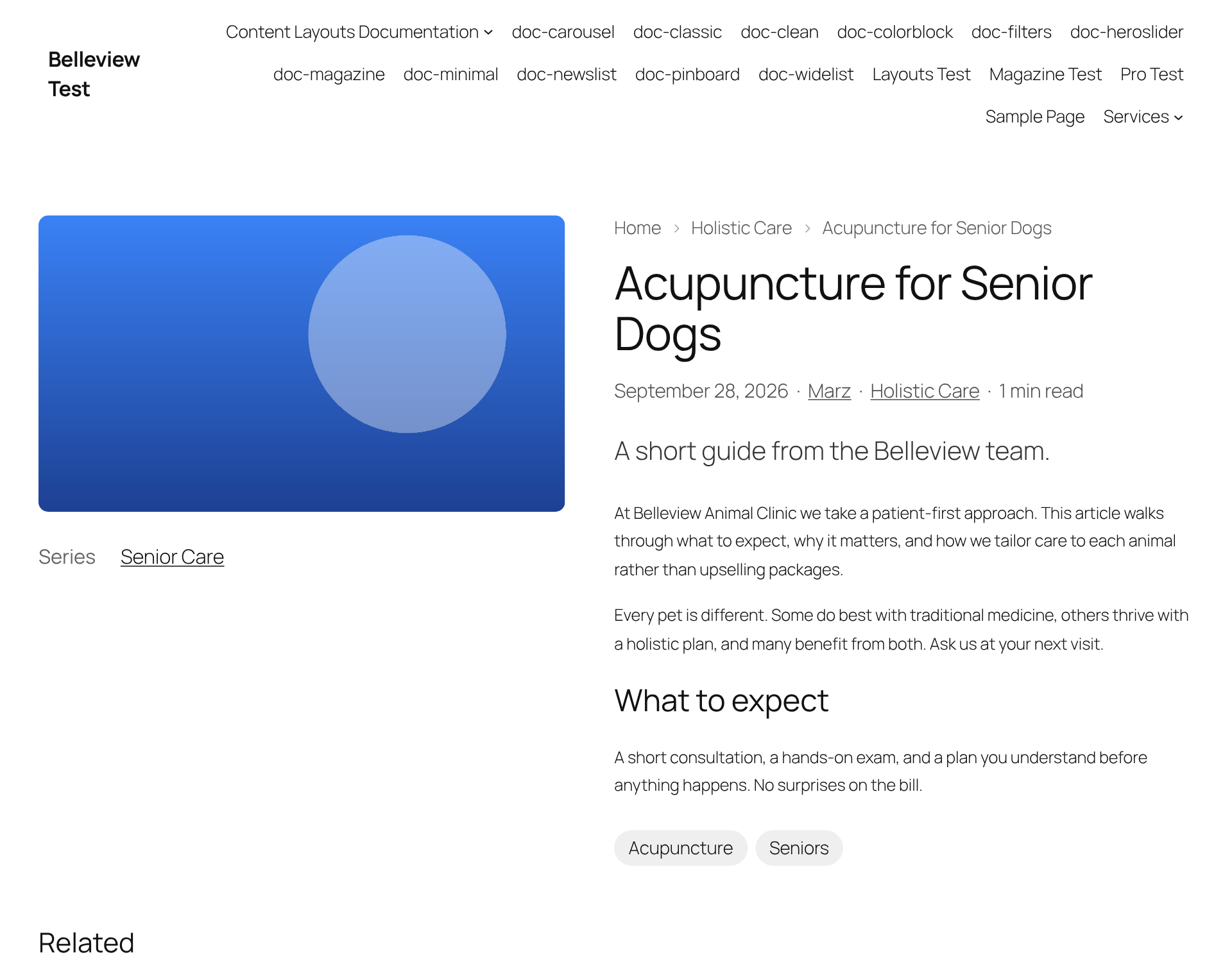
One post at a time
The Content Layouts box on each post’s editor has Layout for this page: Site setting, Theme template (no layout) to opt that post out, or any layout to override the site setting for that post alone.
Pages that are left alone
So your designed pages are never disturbed, these keep their own design unless that page picks a layout itself in its editor box:
- pages built with Elementor (switch off Leave pages built with Elementor alone in Settings to change this)
- pages using a page template
- the front page and the blog page
- password-protected posts
Byline, related posts and more
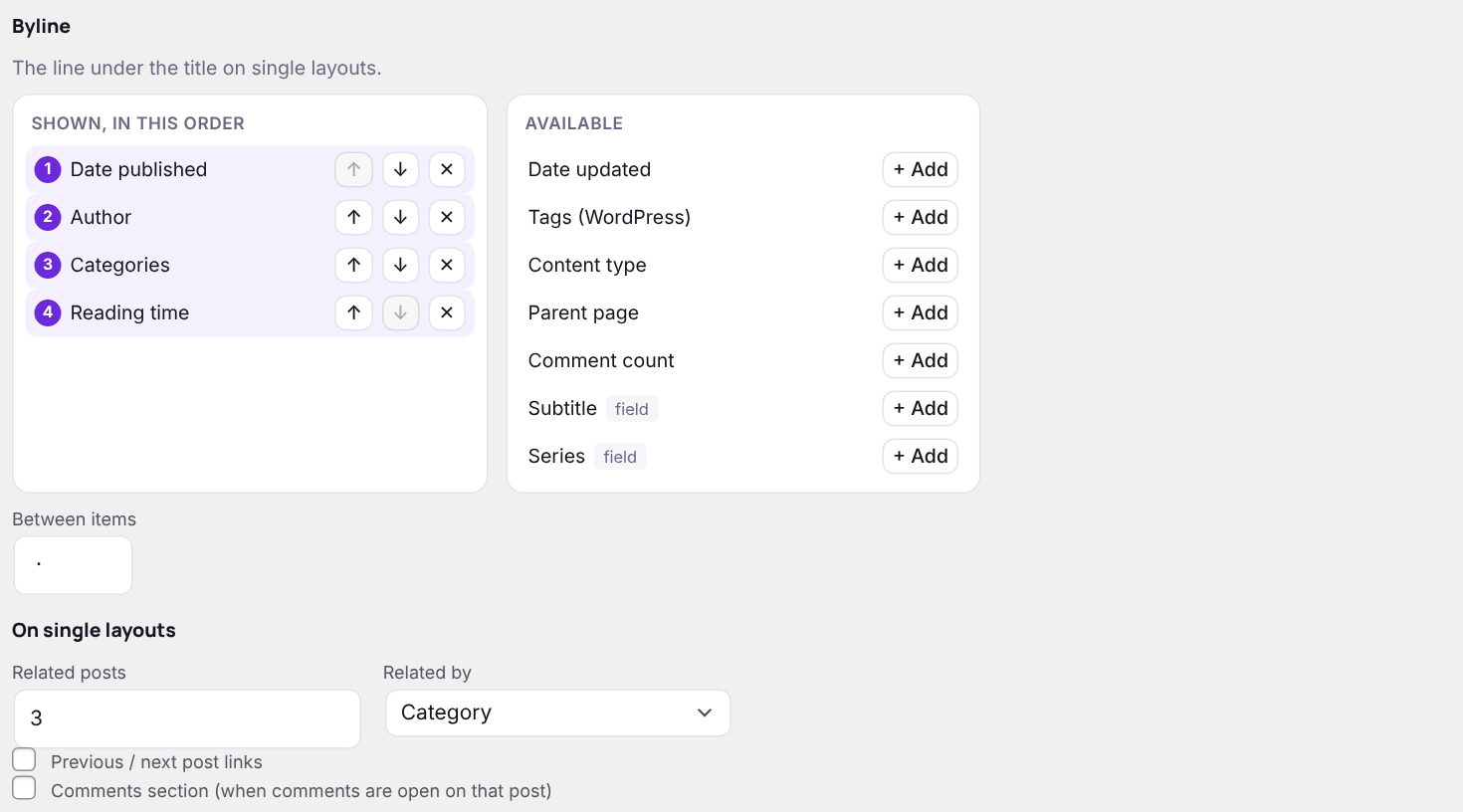
- Byline — the line under the title. Pick and order items exactly like card text (date, author, categories, reading time…) and set the separator.
- Related posts — how many (0 to switch off) and what they must share: category, tag, parent page, another taxonomy or a tags field.
- Previous / next post links and the Comments section — on or off. Comments still follow each post’s own Discussion setting.
- Lead paragraph — layouts that show a lead use the post’s excerpt.
Inside a theme builder template
To keep an Elementor Theme Builder or block theme template but use a layout inside it, place this shortcode where the post should appear:
[jmcl_single]
[jmcl_single layout="hero"]
Next: Shortcodes