Presets are ready-made looks. Clicking one in the display builder fills in the Layout and Card text settings and opens the preview. Which items a display shows is never changed, and nothing is saved until you click Save display.
Tip: A preset is only a starting point — every setting it fills in stays editable. Applying a second preset resets the look completely, so nothing lingers from the first.
The twelve looks
| Look | Edition | What it is |
|---|---|---|
| Magazine | Free | Headline, category badge and author / date / comment icons over a darkened photo. Grid, 3 columns, 3:2 images, square corners. |
| Classic Blog | Free | Image on top, then title, category and date, a 20-word excerpt and a Read more link. |
| Clean Cards | Pro | White cards with a soft shadow that lift on hover; purple category badge and icons. |
| Text Above | Pro | A deep red card with the headline above the image, inset 1em inside the card. |
| Colour Block | Pro | No images: a bold coloured tile with a large title, icons and an excerpt. |
| News List | Free | A thumbnail beside the headline, date, reading time, excerpt and Read more. |
| Wide List | Free | Text on the left, a large 16:9 image on the right. |
| Pinboard | Free | Masonry: every image keeps its own shape, title and date underneath. |
| Hero Slider | Free | One wide 21:9 slide at a time with the headline over it; arrows and dots. |
| Card Carousel | Pro | Three cards at a time, a peek of the next, autoplay every 5 seconds. |
| Minimal Text | Free | Titles, dates and categories only. For sidebars and “latest posts” lists. |
| Spotlight | Pro | Square tiles in black and white; colour and the title appear on hover. |
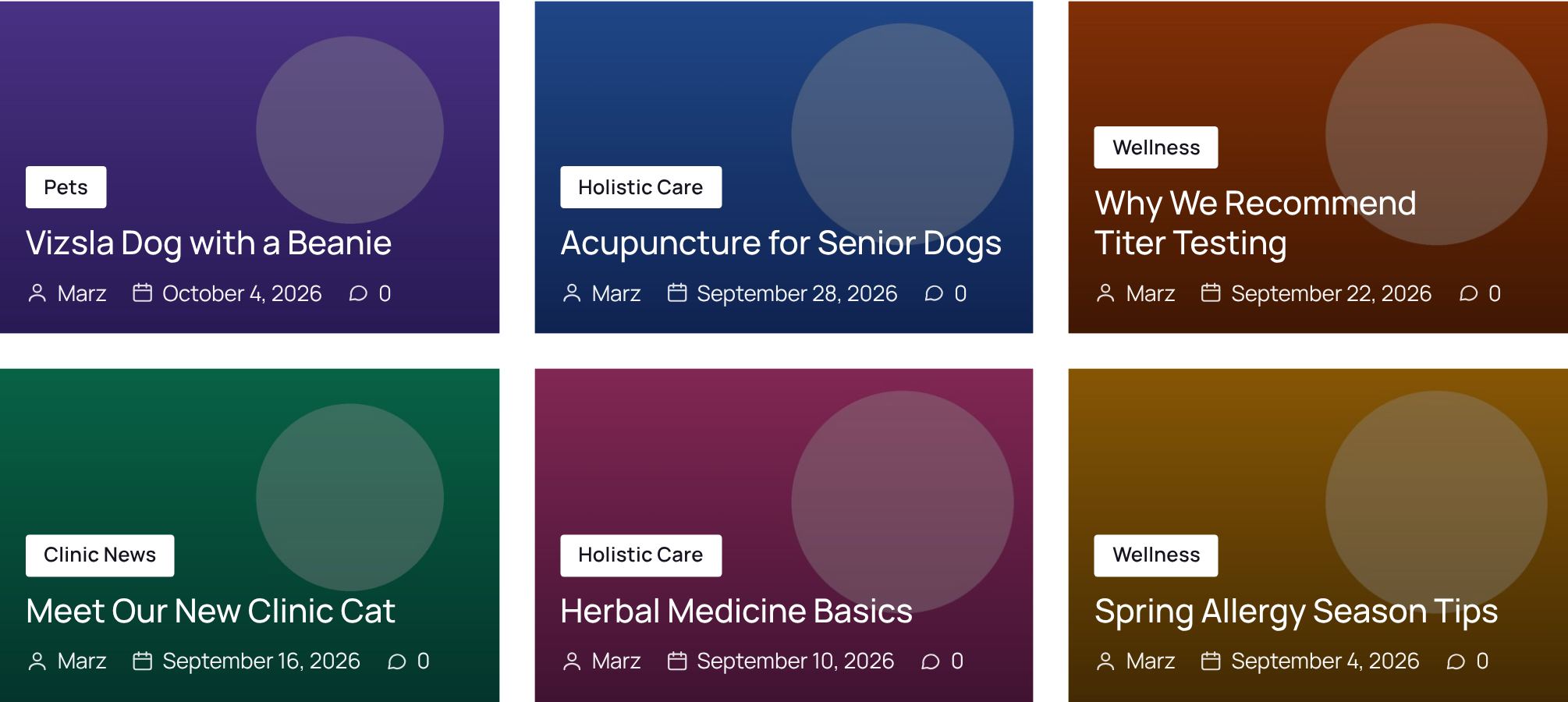
Magazine
Headline, category badge and author / date / comment icons over a darkened photo. Grid, 3 columns, 3:2 images, square corners.
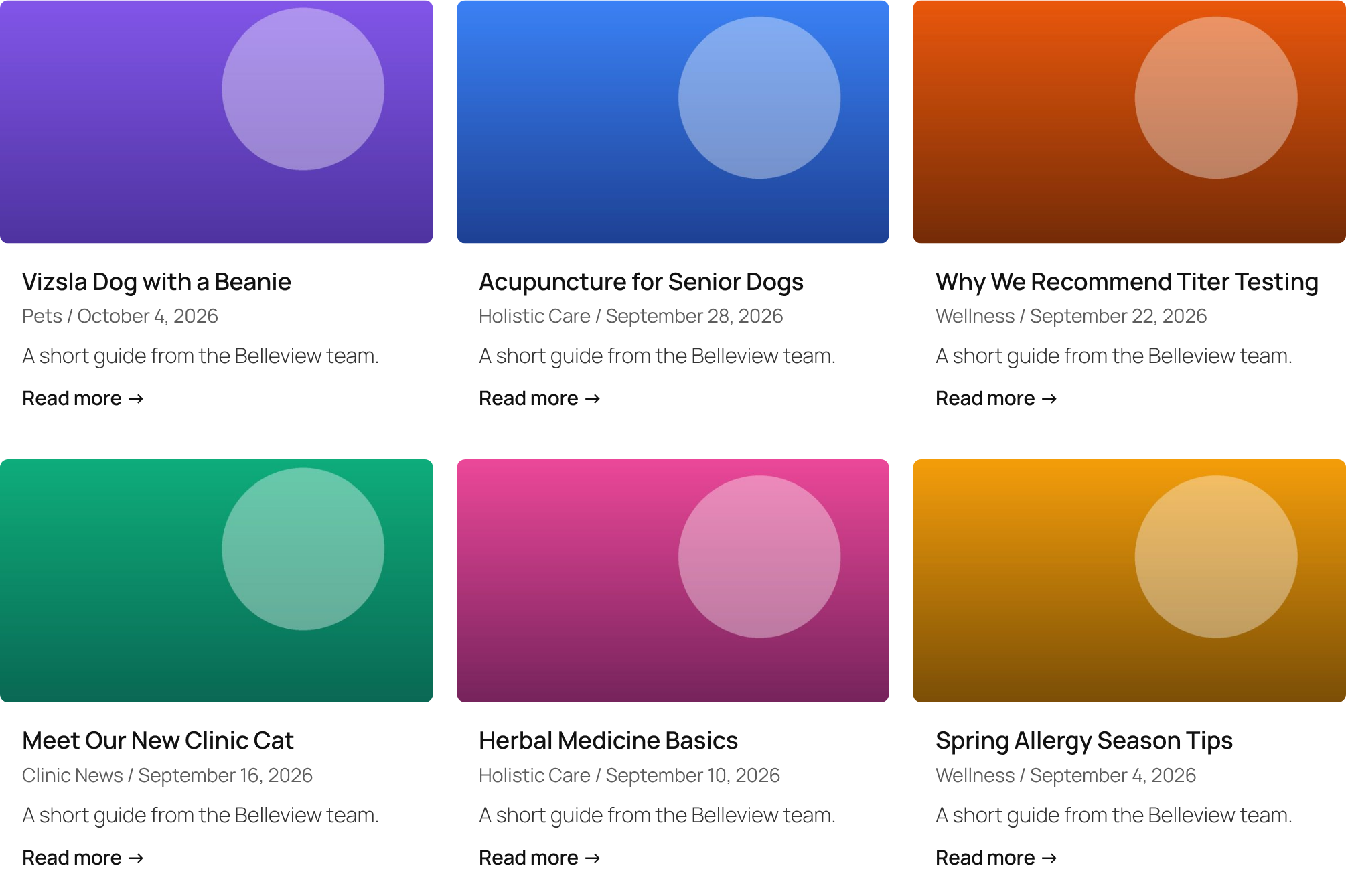
Classic Blog
Image on top, then title, category and date, a 20-word excerpt and a Read more link.
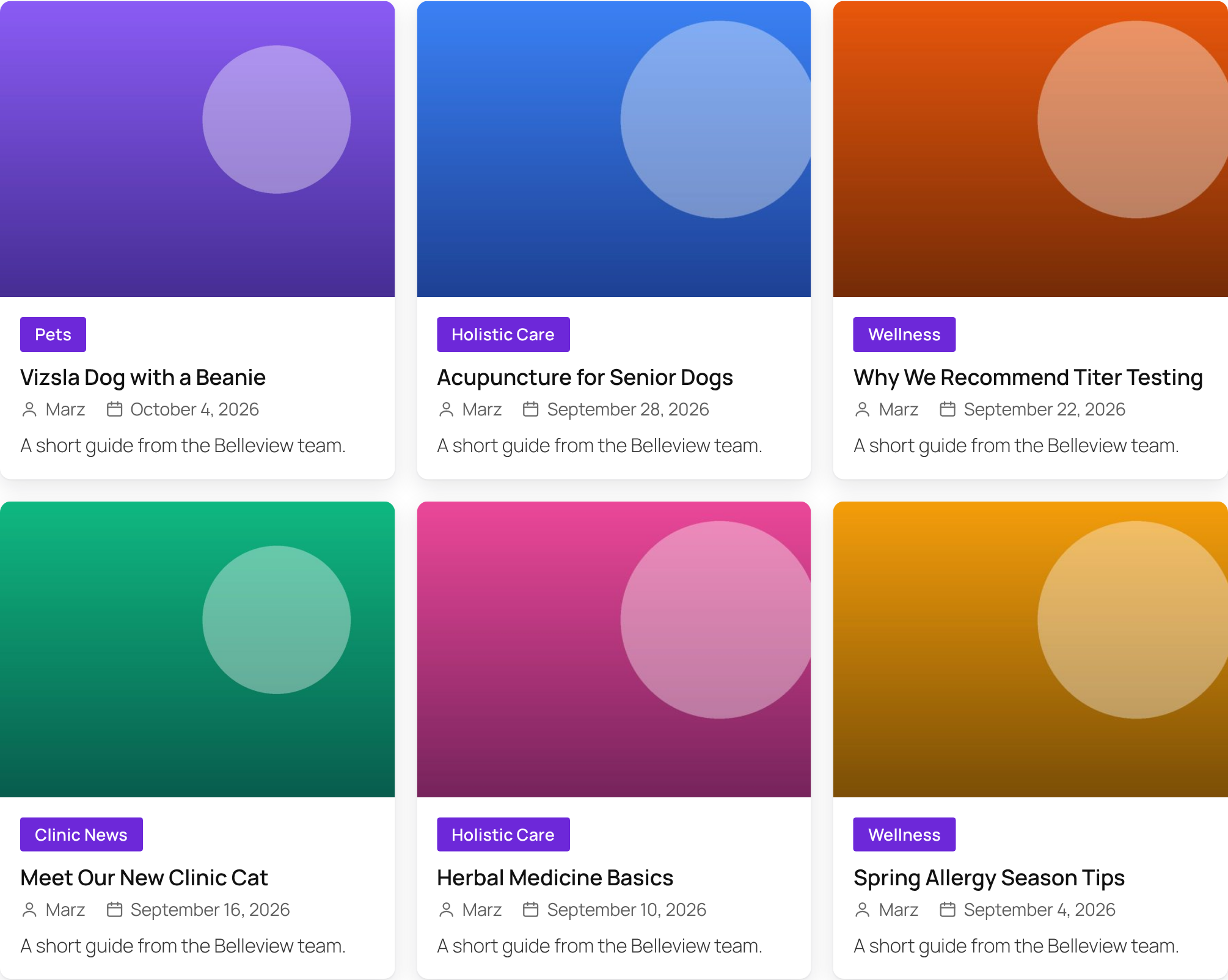
Clean Cards (Pro)
White cards with a soft shadow that lift on hover; purple category badge and icons.
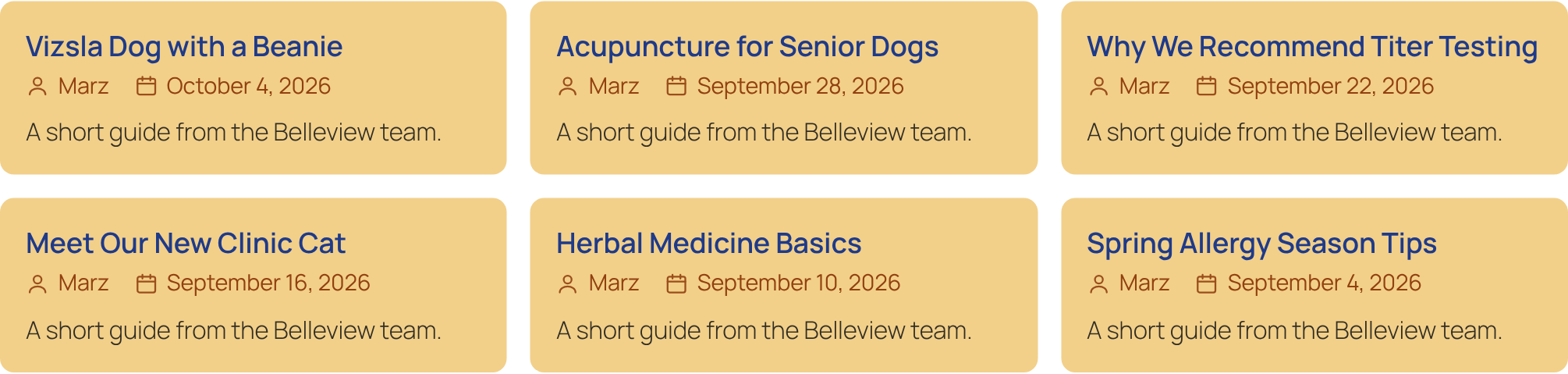
Text Above (Pro)
A deep red card with the headline above the image, inset 1em inside the card.
Colour Block (Pro)
No images: a bold coloured tile with a large title, icons and an excerpt.
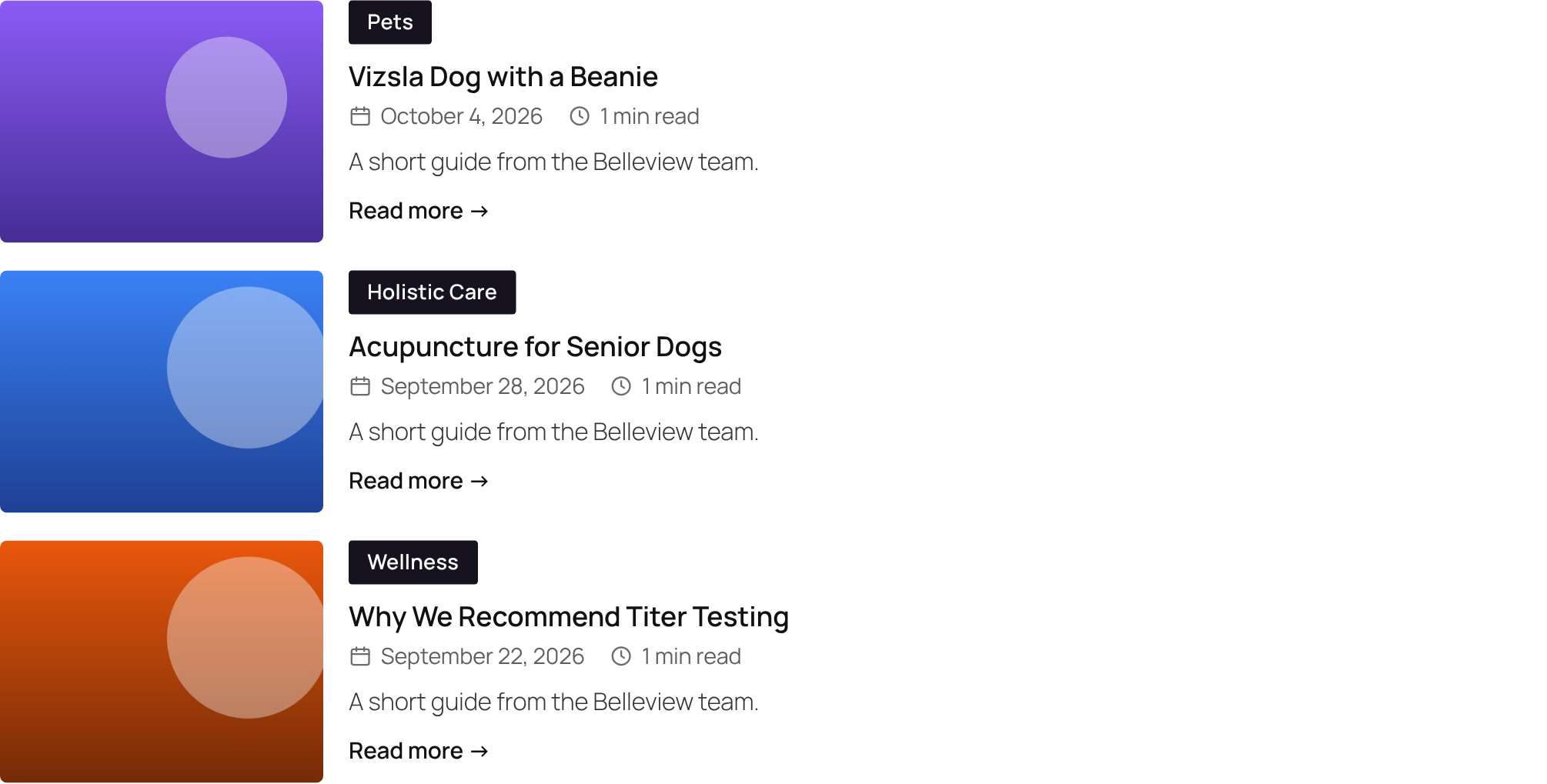
News List
A thumbnail beside the headline, date, reading time, excerpt and Read more.
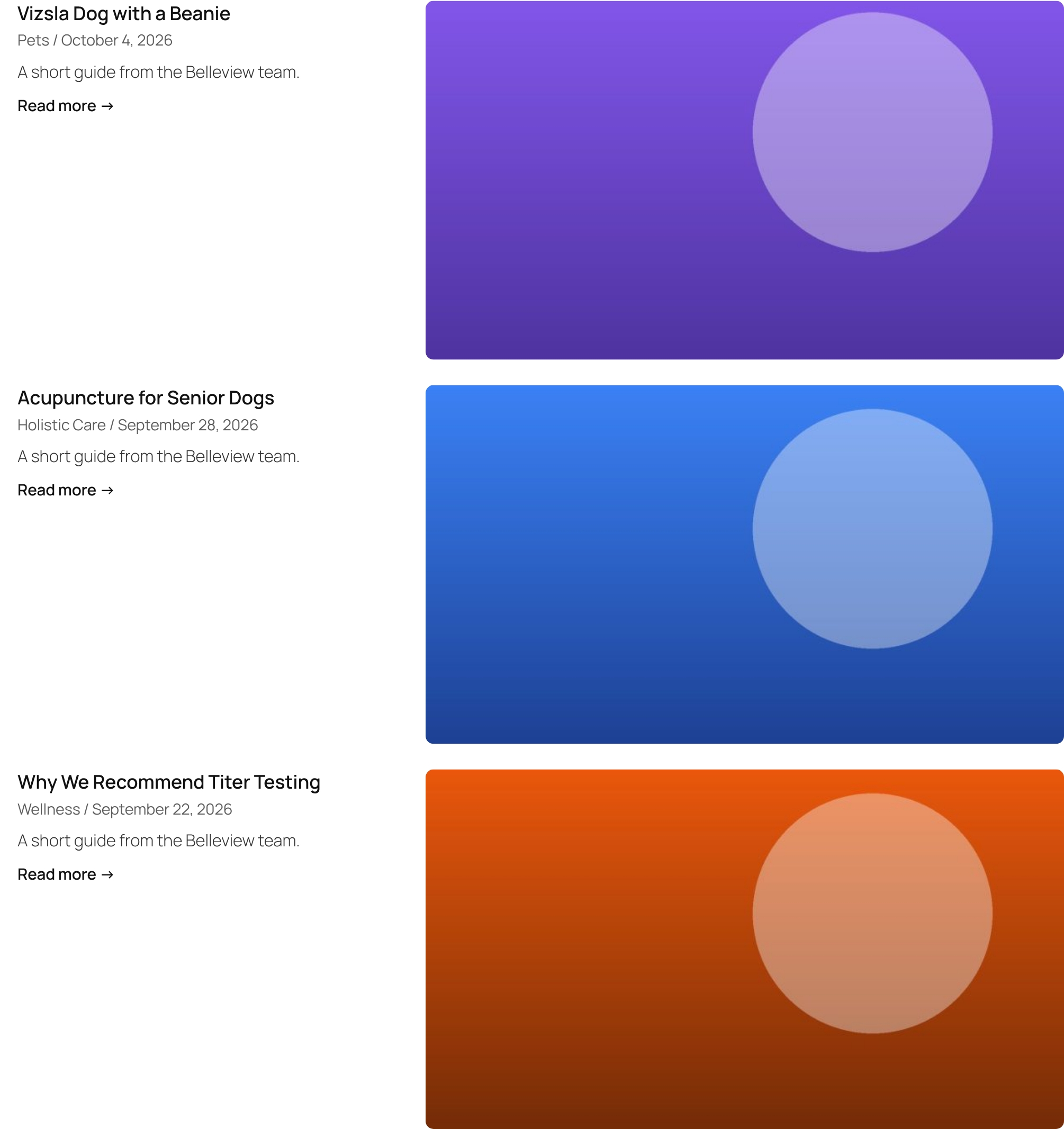
Wide List
Text on the left, a large 16:9 image on the right.
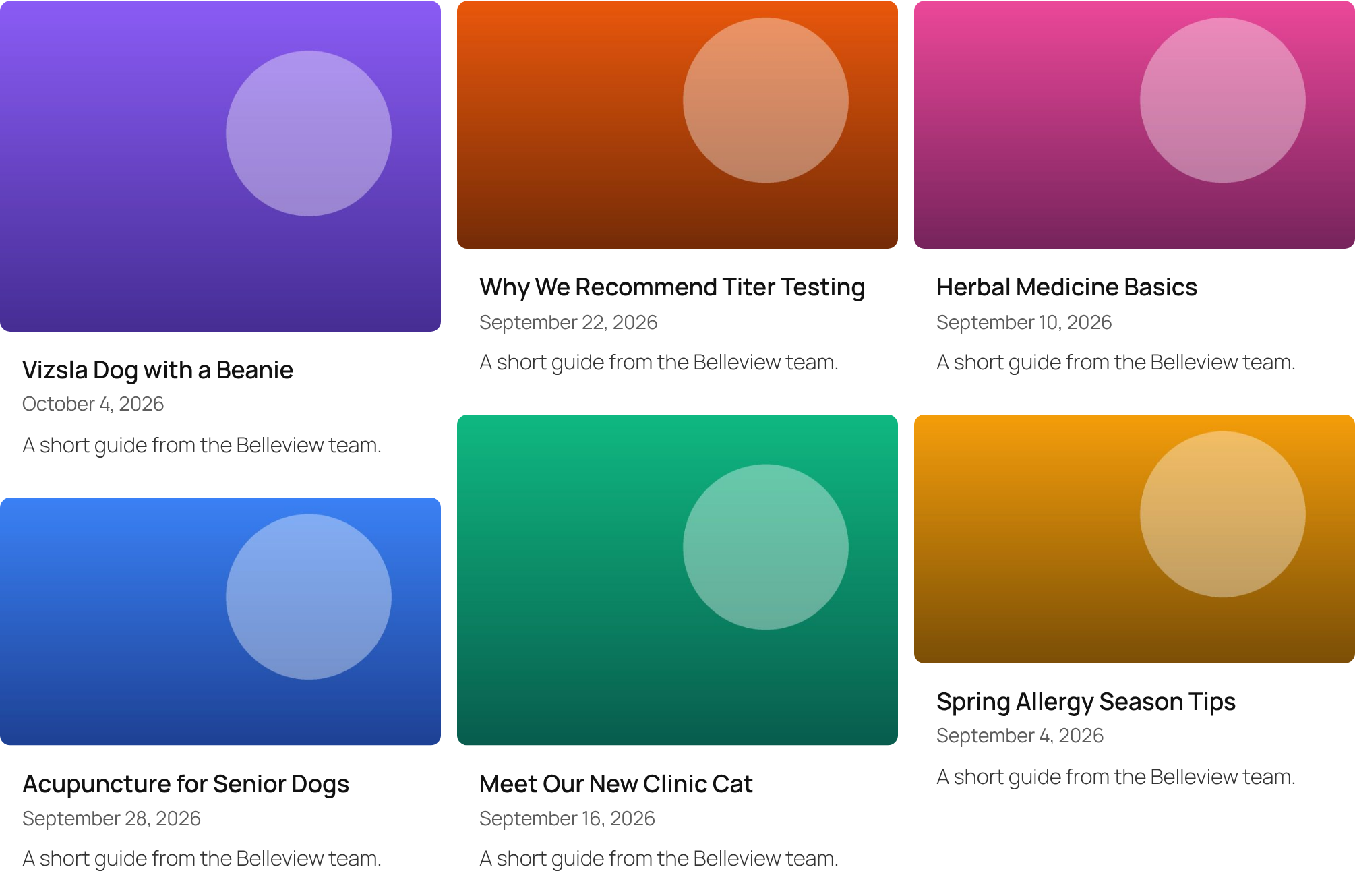
Pinboard
Masonry: every image keeps its own shape, title and date underneath.
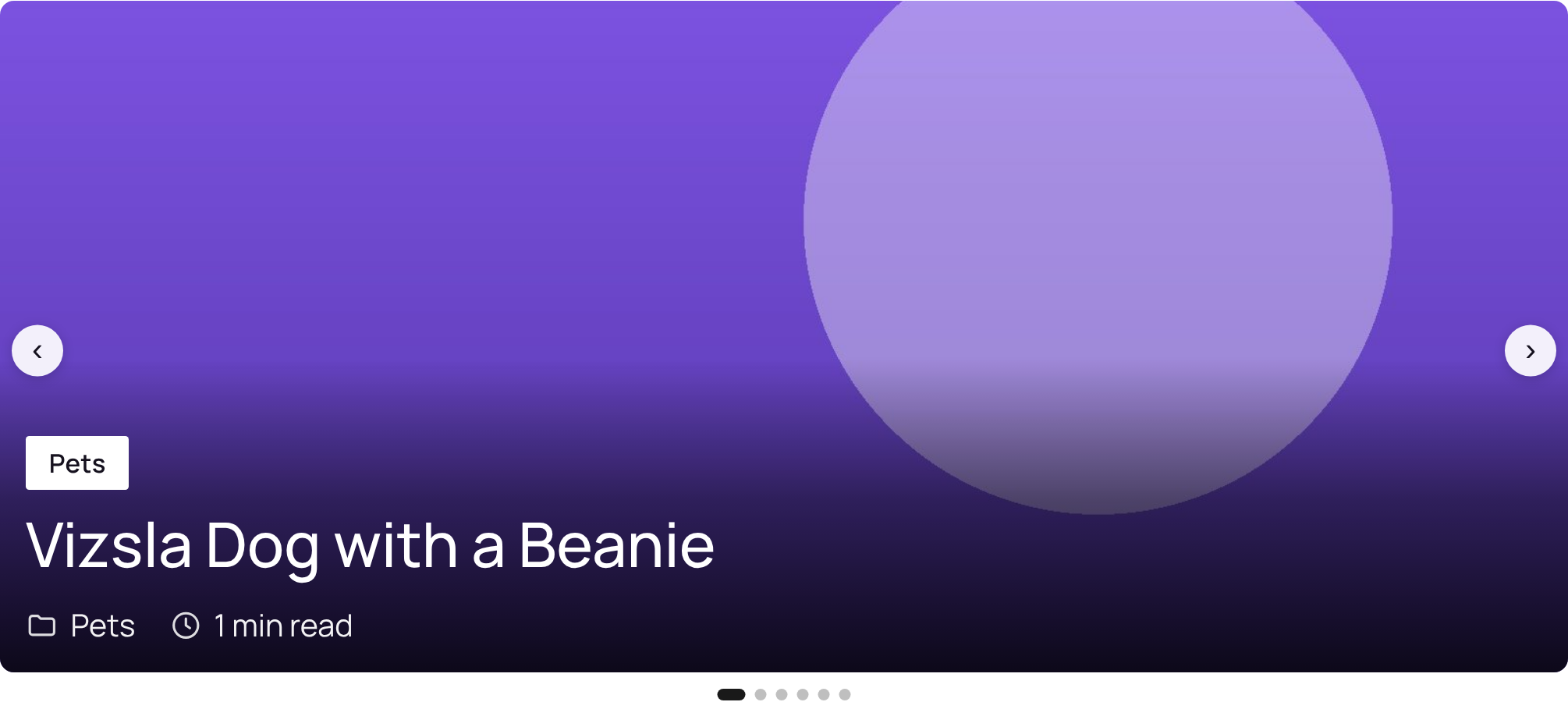
Hero Slider
One wide 21:9 slide at a time with the headline over it; arrows and dots.
Card Carousel (Pro)
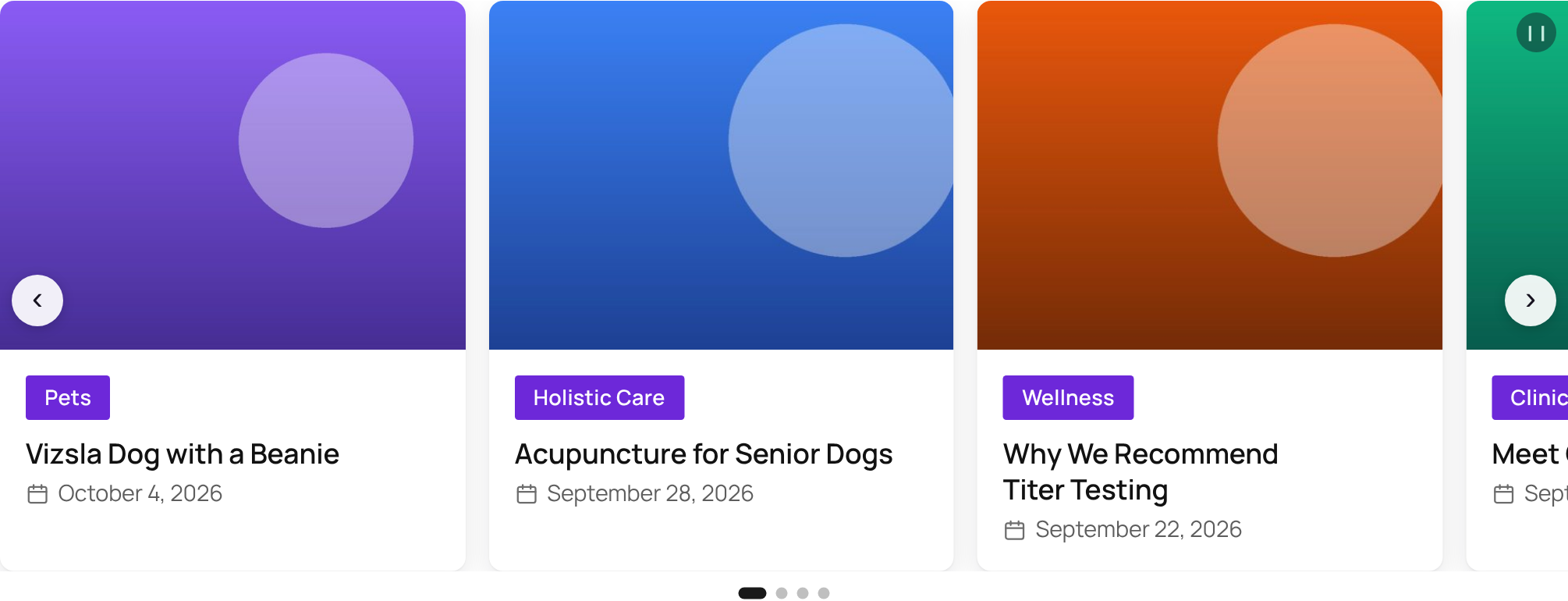
Three cards at a time, a peek of the next, autoplay every 5 seconds.
Minimal Text
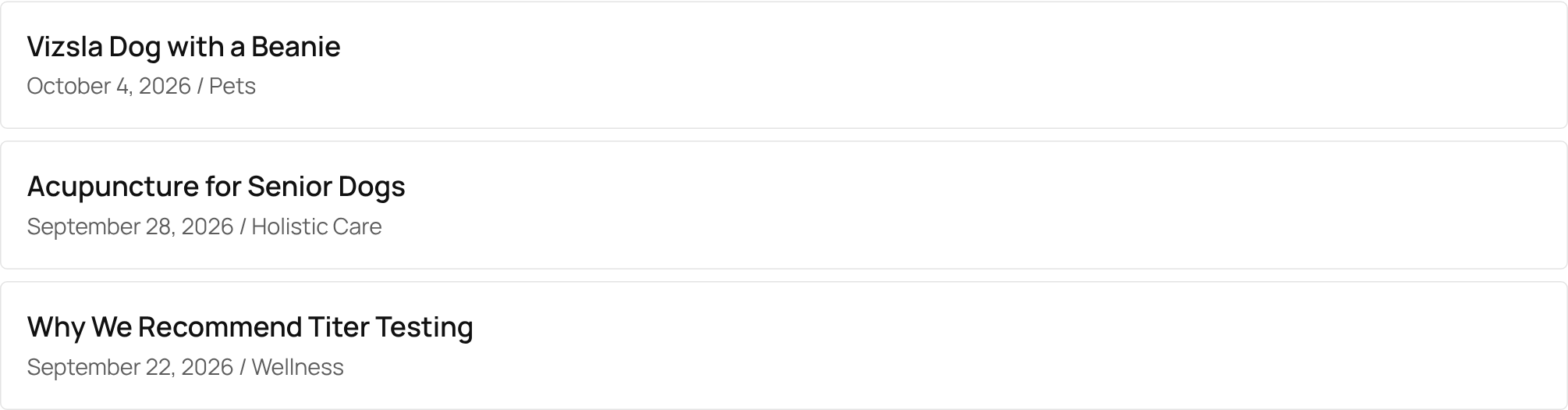
Titles, dates and categories only. For sidebars and “latest posts” lists.
Spotlight (Pro)
Square tiles in black and white; colour and the title appear on hover.
Pro looks without Pro
The five Pro looks show a Pro badge in the free plugin. You can still click them: everything the free plugin has is applied (style, columns, image shape, card text), and a message says which colours and effects need Pro.
Presets in shortcodes
Every look also works by name in a shortcode, which is handy for one-off lists:
[jmcl_posts preset="magazine" category="news" limit="6"]
[jmcl_display id="3" preset="pinboard"]
Preset names: magazine, classic, clean, above, colorblock, newslist, widelist, pinboard, heroslider, carousel, minimal, spotlight. Any other attribute you add overrides the preset.
Next: Choosing which items