Visitor controls turn a display into a browsable archive. They are set at the bottom of the display builder and are not used by sliders.
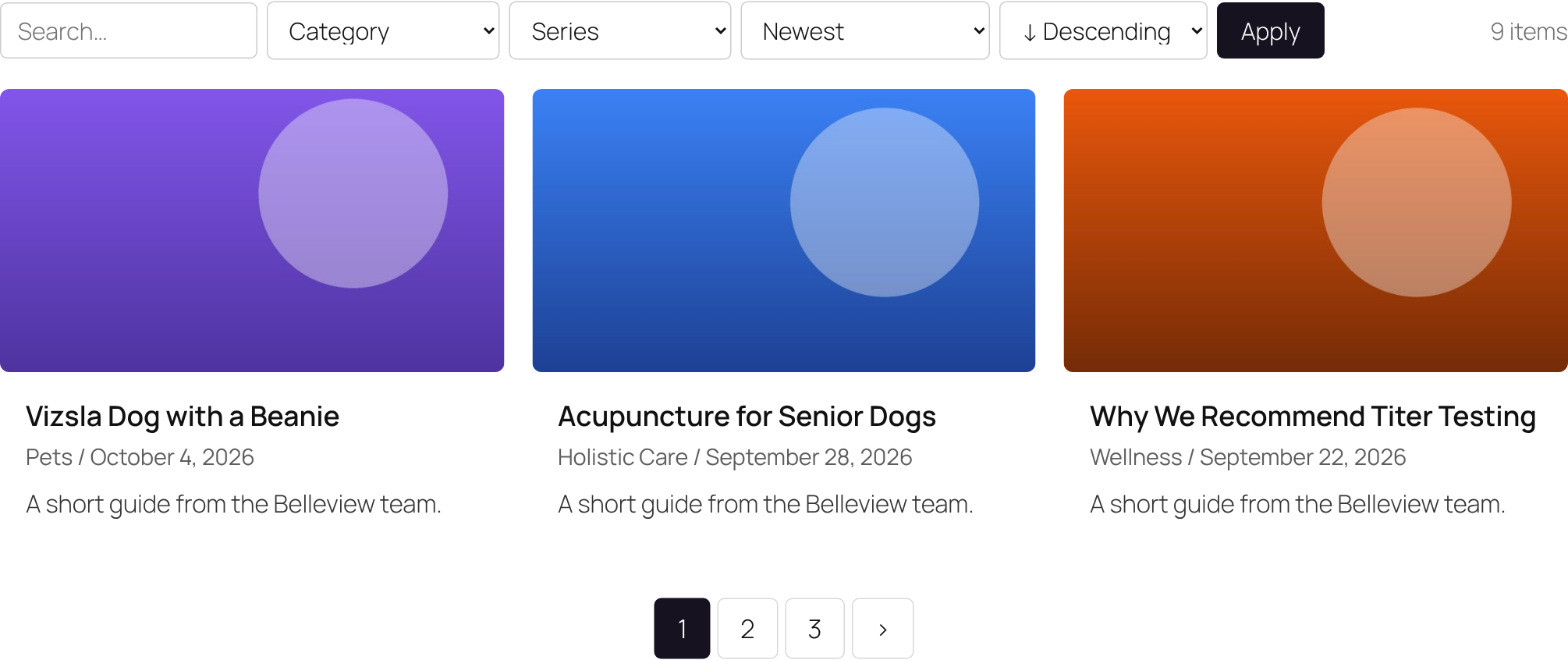
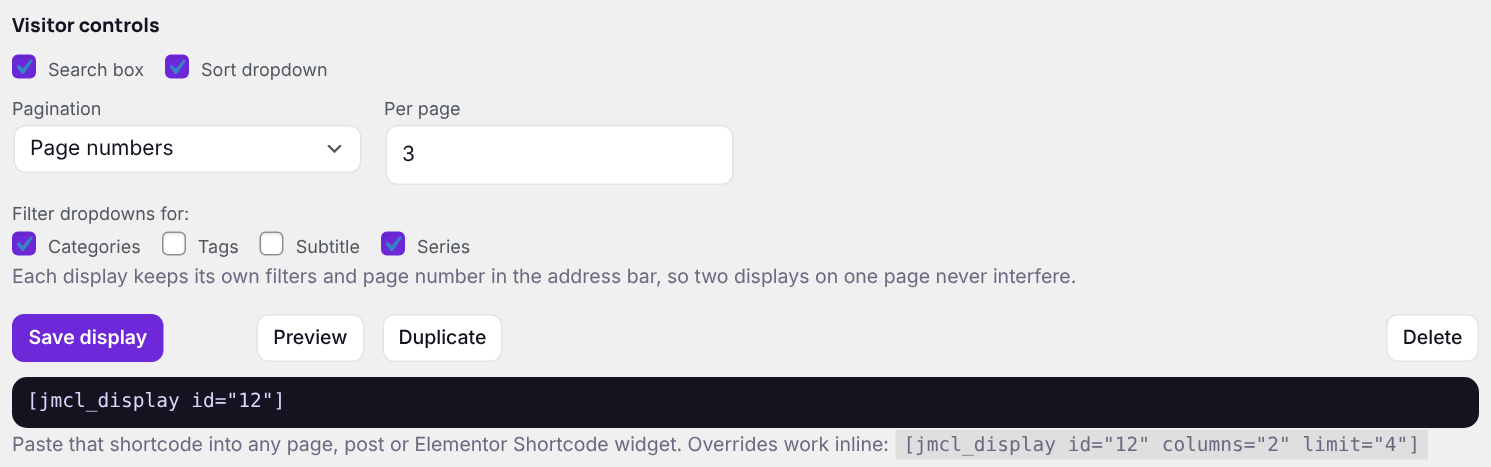
| Setting | What it does |
|---|---|
| Search box | Searches titles, content, custom text fields and category and tag names within this display. |
| Sort dropdown | Newest, Title, Recently updated, Most discussed, plus your number, date and text fields, ascending or descending. |
| Filter dropdowns | One dropdown per ticked taxonomy or field. Each lists only values this display can actually show, with a count. |
| Pagination | None (show How many), page numbers, or a Load more button that adds the next page underneath without reloading. |
| Per page | How many items per page when pagination is on. |
Two displays on one page
Each display keeps its own search, filters and page number in the address bar, labelled with its ID, so filtering one never affects another. Filtered pages can be bookmarked and shared.
Tip: Load more is an ordinary link underneath, so it still works for search engines and visitors without JavaScript.
Next: Custom fields